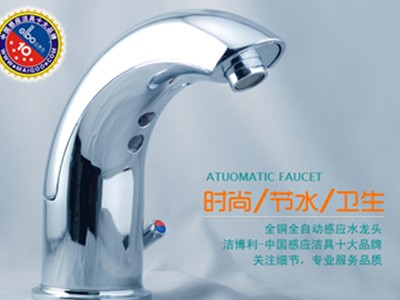
Troubleshooting No Water Flow in GIBO Smart Sensor Faucets
Common causes for a GIBO smart sensor faucet not dispensing water: 1. Water droplets on the upper or lower sensor window
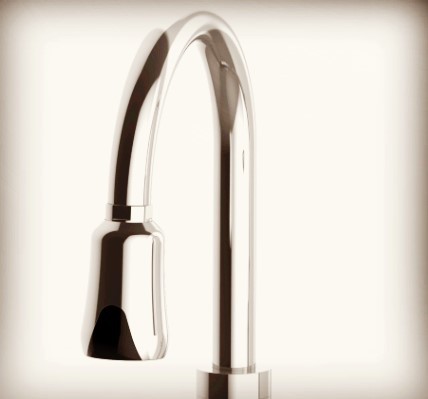
Common issues with the ␂1␂ Sensor Faucet not dispensing water:
1. Water droplets on the top or bottom of the sensor window have triggered the anti-flood protection mode. Simply wipe it clean.
2. The faucet is too short, or there are highly reflective objects in the sink basin causing the bottom sensor to detect them and trigger anti-flood protection. Please check the compatibility guide for the faucet, or remove the reflective objects.
3. Obstacles within 30 cm in front of the main sensor window have triggered anti-flood protection. Remove the obstacles.
4. Severe scratches on the front or bottom sensor window may cause false activation and trigger anti-flood protection. Please refer to the safety precautions in the product manual.
5. The lithium battery level is too low for normal operation, activating under-voltage protection. Recharge fully before use.
6. The inlet filter screen is clogged. Use the included wrench to remove the faucet, take out the inlet filter, clean it thoroughly, and reinstall as original.
7. Check if the faucet handle is open and verify if there is a municipal water outage.
8. Water pressure significantly exceeds the normal range of 0.8 MPa; install a pressure reducing valve (refer to item 1 for resolution).